MyScript provides a production-ready handwriting recognition engine, exposed through web APIs so you can plug handwritten math and text into your existing LMS and LTI-based workflows. Schedule a 30-minute architecture review with our team. We’ll assess your current math input flow, identify where notation complexity is creating friction, and outline a realistic migration path.
Talk to our team5/26/2026
The Hidden Cost of Bad Math Input in EdTech
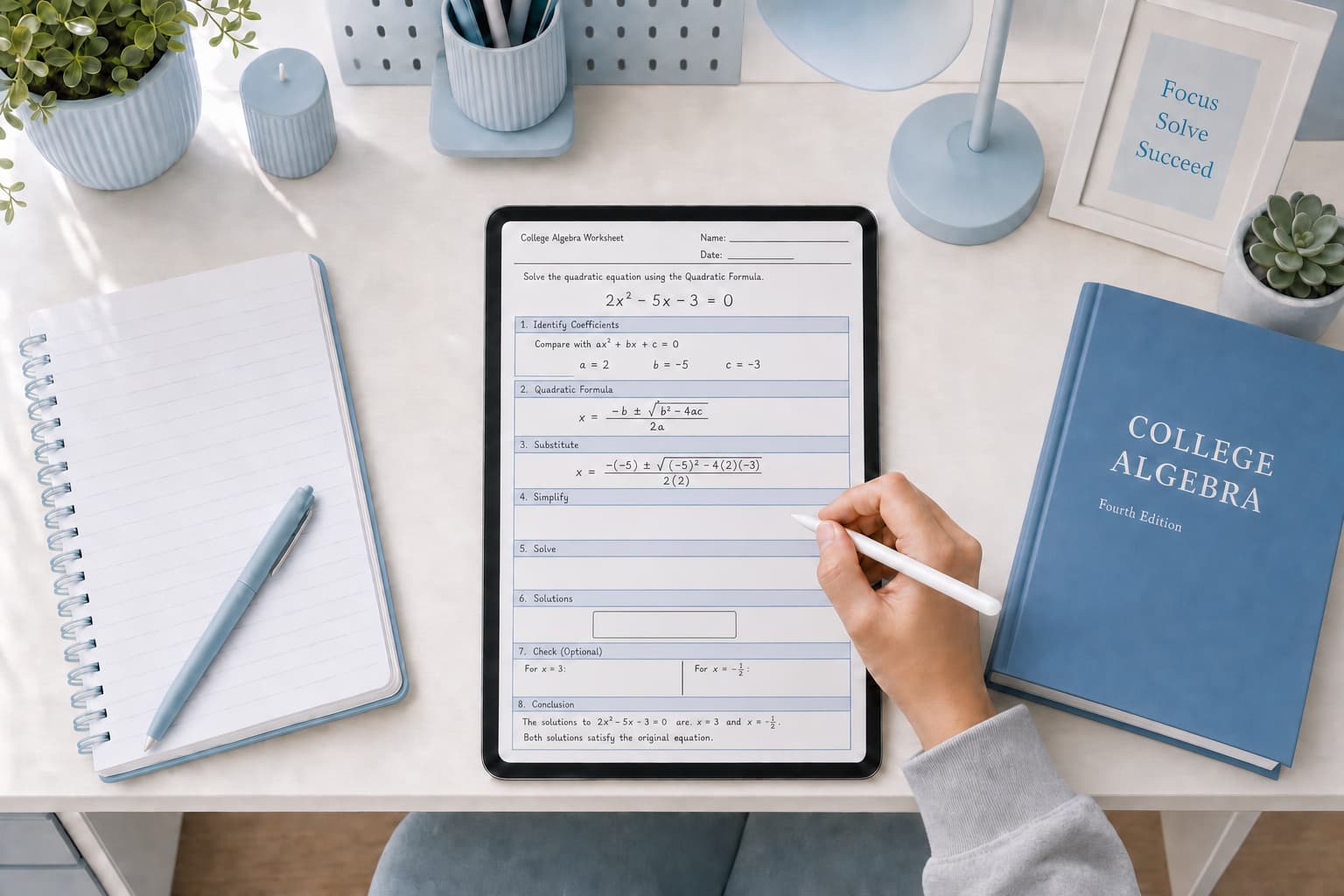
Every day, students open a math assignment on your platform and spend the first two minutes figuring out how to navigate the interface. That is the quiet cost of catalog-based math input: before a student can express a single idea, the tool demands they learn its structure. Richer mathematics, stronger assessment, better accessibility, and durable classroom adoption each push against this structural limit. Every minute a student spends navigating your equation editor instead of doing math is a minute your product fails its core value proposition.
Twice the Work. Same Results.
A Carnegie Mellon study on algebra equation solving found that middle and high school students using handwriting completed problems in roughly half the time of students using typed input, while achieving equivalent learning gains.1 The same class period, twice the practice, without any reduction in understanding. That is not a UX improvement. It is a product architecture argument.
A subsequent study found handwriting was up to three times as fast in conditions involving fractions and nested notation.2 The performance gap grows with every increase in notation complexity, precisely because mathematical notation evolved as a handwritten system. Its grammar is spatial, layered, and two-dimensional. Keyboard-first math input is always a translation layer: the learner encodes mathematical structure into the interface before the platform can decode it again. Handwriting removes that layer entirely. Students already know how to write math with a pencil.
MagmaMath is a concrete example of what this enables. The K-12 platform built its product around handwritten solutions from the start, giving teachers real-time visibility into intermediate steps and surfacing misconceptions before they become entrenched — exactly what formative math assessment requires.
For the science behind how handwriting supports learning differently than typing, see our article on Why Writing by Hand Leads to Better Learning.
It Works Until the Math Gets Serious
Digital learning products tend to perform well under controlled conditions: a learner clicks a fraction block, fills two fields, presses Enter. That is sufficient for basic answer collection. It is not sufficient for authentic mathematical work, where notation grows in density, spatial layout carries meaning, and students need to show reasoning rather than just results.
Math gets fragile the moment it goes two-dimensional. Fractions, integrals, summations, nested exponents: they live in space, not on a line. That’s why WYSIWYG editors demo well and fail in class. They’re built on templates, and templates assume you already know the shape of the equation. Throw in a multi-term integrand or a nested fraction and the template runs out of slots. The student ends up fighting the editor instead of thinking about the math.
Math Answers Are Not Just Equations
Most math input tools are optimized for structured symbolic expressions in isolation. What they handle poorly is how students actually respond to problems: sentences alongside expressions, variable annotations, step-by-step explanations, prose and calculation mixed together throughout. Real mathematical work does not separate cleanly into “text mode” and “math mode,” but virtually all catalog-based tools force exactly that division. Switching between modes interrupts the flow of mathematical reasoning at every step.
MyScript’s digital ink recognition engine handles both handwritten text and mathematical notation in a single unified input, with no separate configuration required from the integrator. A student writes a sentence, moves into an equation, continues with a variable definition, and the full expression is recognized and converted correctly in real time. No mode switching. No catalog.
A Fragmented Landscape
Part of what makes this problem so persistent is that every EdTech platform solves math input differently, and there is no shared model across the market. One product embeds MathType. Another builds a custom symbol picker. A third offers a LaTeX input box. A fourth wraps a proprietary WYSIWYG builder with its own catalog organization, keyboard shortcuts, and navigation logic. Canvas math editor implementations vary across institutions. None of these systems are interoperable, and none share a common interaction pattern.
The direct cost falls on students. Every time they move to a new platform, course, or assignment tool, they relearn the input from scratch: new catalog, new escape sequences, new mental model. Math is already cognitively expensive. Forcing students to wrestle a new interface before they can express a single idea is a tax they pay every session. And every platform that ships its own proprietary input model adds another line to the bill.
The Most Accessible Interface Is the One Students Already Know
Expanding a symbol catalog does not automatically make math input accessible. Every new interaction surface still has to meet keyboard operability, focus order, and screen reader requirements. And the regulatory clock is loud, even after the recent extensions. ADA Title II now requires WCAG 2.1 AA compliance for larger public entities by April 2027, and for smaller ones by April 2028. HHS Section 504 follows, with May 2027 and May 2028 deadlines for HHS-funded organizations, depending on size.3
Worse, WCAG 2.1 is already behind the standard. WCAG 2.2 has been the official W3C Recommendation since 2023, and it adds mandatory minimum touch target sizes, alternatives to drag-and-drop, and expanded cognitive accessibility criteria. All three directly challenge small symbol palettes and non-standard catalog navigation.4 For students with attention, processing, or motor differences, a catalog they have to learn is a barrier, even if the audit says it passes. Handwriting removes that layer entirely: no catalog to learn, no mode to switch, no interaction model to memorize. It meets the student where they already are.
The Classroom Fleet Has Already Changed
Classroom device fleets have shifted. K-12 education already represents 48% of the global stylus pen market, and that market is projected to reach USD 4.8 billion by 2034.5 The assumption that curriculum users are primarily on laptops is no longer the safe default.
Beyond classroom provisioning, 70% of U.S. teens now have access to a tablet at home.6 For middle and high school students working independently, that means homework increasingly happens on an iPad, a Surface, or a stylus-equipped Chromebook. Not supporting pencil input is a product decision to exclude the devices students reach for outside the classroom, precisely when they are most self-directed.
Built-In. Not Bolted On.
The platforms gaining ground in EdTech math are not adding handwriting as a feature toggle. They are designing input around how students actually work: with an Apple Pencil, a Surface Pen, or a Chromebook stylus. As pen-capable hardware moves from classroom exception to classroom expectation, the question for product teams is no longer whether to support handwriting. It is how much ground they have already ceded by not doing so.
The distinction matters. A platform that treats handwriting as infrastructure (always available, always performant, no mode-switching required) can serve a wider range of learners, handle more complex notation, and meet accessibility requirements without retrofitting. A platform that adds it later inherits all the architectural debt of having been designed around a keyboard first.
Footnotes
- Anthony, L., Yang, J., & Koedinger, K. R. (2007). Benefits of Handwritten Input for Students Learning Algebra Equation Solving. Proceedings of AIED 2007, Carnegie Mellon University; Anthony, L. (2008). How Handwritten Input Helps Students Learning Algebra Equation Solving. CMU HCII Technical Report CMU-HCII-08-100. ↩
- Stahovich, T. F. et al. (2012). A paradigm for handwriting-based intelligent tutors. International Journal of Human-Computer Studies, 70(1). ↩
- accessiBe. (2026). ADA Title II Deadline Extended: What Colleges Must Know; Federal Register. (2026). Extension of Compliance Dates for Nondiscrimination on the Basis of Disability. ↩
- W3C. Web Content Accessibility Guidelines (WCAG) 2.2. ↩
- Reed Intelligence. (2025). Stylus Pen for Education Market. ↩
- Pew Research Center. (2024). Teens, Social Media and Technology 2024. ↩